
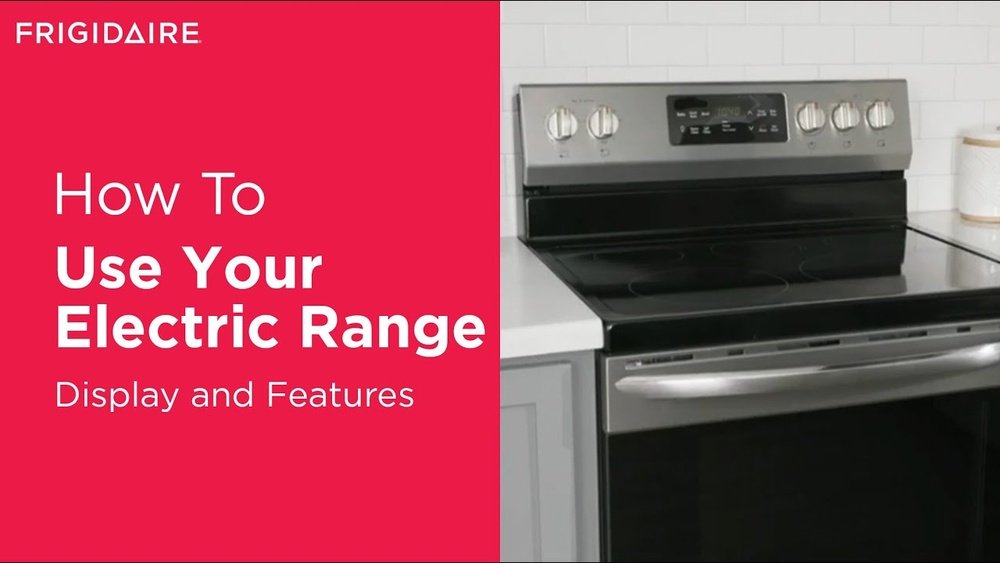
Using your oven should be a simple, even enjoyable part of kitchen life. But if you’ve just bought a Frigidaire oven or switched to a new model, the controls and features can seem confusing at first. This guide is designed to remove all the guesswork. You’ll learn every function, setting, and trick for safe and efficient operation—so you get great cooking results, every time.
Whether you’re baking bread, roasting chicken, or just reheating pizza, understanding your Frigidaire oven makes a big difference. Many people only use the basic bake and broil, missing out on useful features like timers, convection, and self-cleaning. This article explains everything in clear, step-by-step language, with practical examples and tips.
You’ll also find tables comparing features, guidance on troubleshooting, and answers to common questions.
If you want to stop guessing and start cooking with confidence, you’re in the right place.
Understanding Your Frigidaire Oven
Frigidaire is one of the most popular oven brands in the US and worldwide. Their ovens come in many models, from basic electric to advanced smart ovens. But most Frigidaire ovens share core functions and similar controls.
Basic Parts And Their Functions
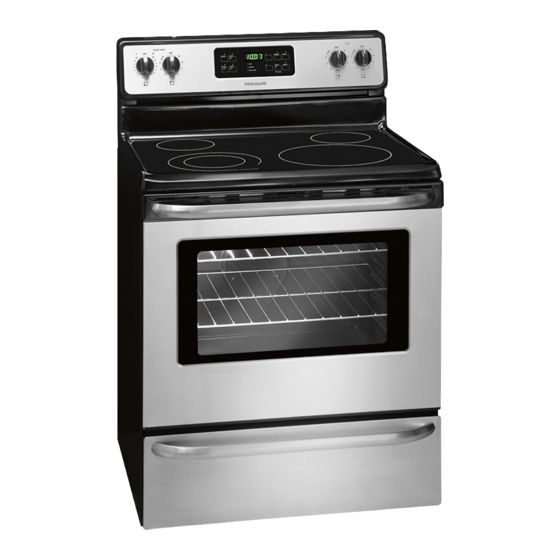
Before you start, it’s important to know the main parts of your oven:
- Control panel: Where you set time, temperature, and cooking modes.
- Oven cavity: The inside area where food cooks.
- Oven racks: Removable metal shelves for placing trays and pans.
- Heating elements: Usually at the top (broil) and bottom (bake).
- Door and window: Lets you check food without opening and losing heat.
- Light: Illuminates the oven interior.
- Vent: Allows steam and heat to escape safely.
Different Types Of Frigidaire Ovens
Most Frigidaire ovens fall into one of these categories:
- Electric ovens: Use electric heating elements. Most common in homes.
- Gas ovens: Use natural gas or propane. Somewhat less common but popular for their quick heat and control.
- Convection ovens: Have a fan to circulate hot air for even cooking.
- Wall ovens: Built into the wall, separate from the cooktop.
- Freestanding ranges: Oven with an attached stovetop, sits on the floor.
Each type may have some unique controls or features, but the basics remain similar.
Control Panel Overview
Frigidaire ovens use two main types of control panels:
- Knob-based: Simple, mechanical dials for temperature and mode.
- Digital touchpad: Buttons or touchscreen to select modes, set timers, and adjust temperature.
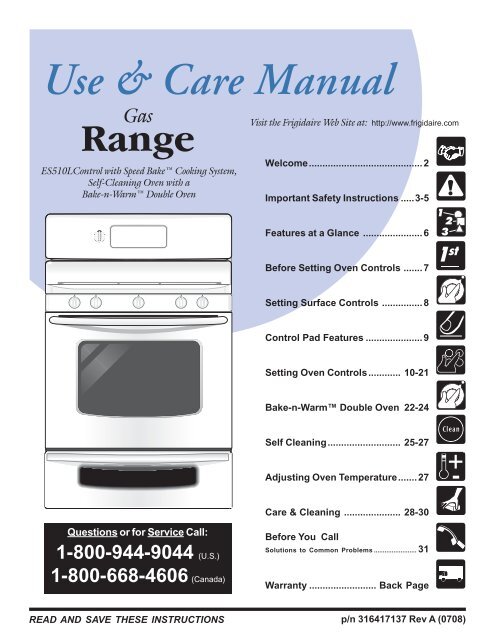
Familiarize yourself with the symbols and labels on your oven’s panel. The user manual for your model will have a diagram—always check it for specifics.
Setting Up Your Frigidaire Oven
The first time you use your oven, a few steps are essential for safety and to remove manufacturing residues.
Initial Setup Steps
- Unpack and check: Remove all packaging, tape, and protective film. Check for damage or missing parts.
- Install racks: Place oven racks in the desired positions.
- Plug in or connect gas: For electric ovens, ensure a secure plug-in to a grounded outlet. For gas ovens, a professional should connect the gas line.
- Read the manual: Skim your user manual for unique features or warnings.
The “burn-in” Process
New ovens may smell or smoke slightly due to protective oils and coatings burning off. Here’s what to do:
- Open windows for ventilation.
- Set the oven to Bake at 400°F (204°C).
- Run empty for 30–60 minutes.
- Let it cool, then wipe the inside with a damp cloth.
This process removes any unpleasant odors before cooking your first meal.
Setting The Clock
Most Frigidaire ovens require you to set the clock for the timer and delay functions to work.
- On digital models: Press the Clock button, use the number pad to set time, and press Start or Clock again to confirm.
- On mechanical models: Use the dial or knob, turning until the correct time is displayed.
If you skip this step, delay start and timed baking may not function correctly.
Credit: www.yumpu.com
Core Functions And How To Use Them
Now let’s dive into the main cooking modes you’ll use daily.
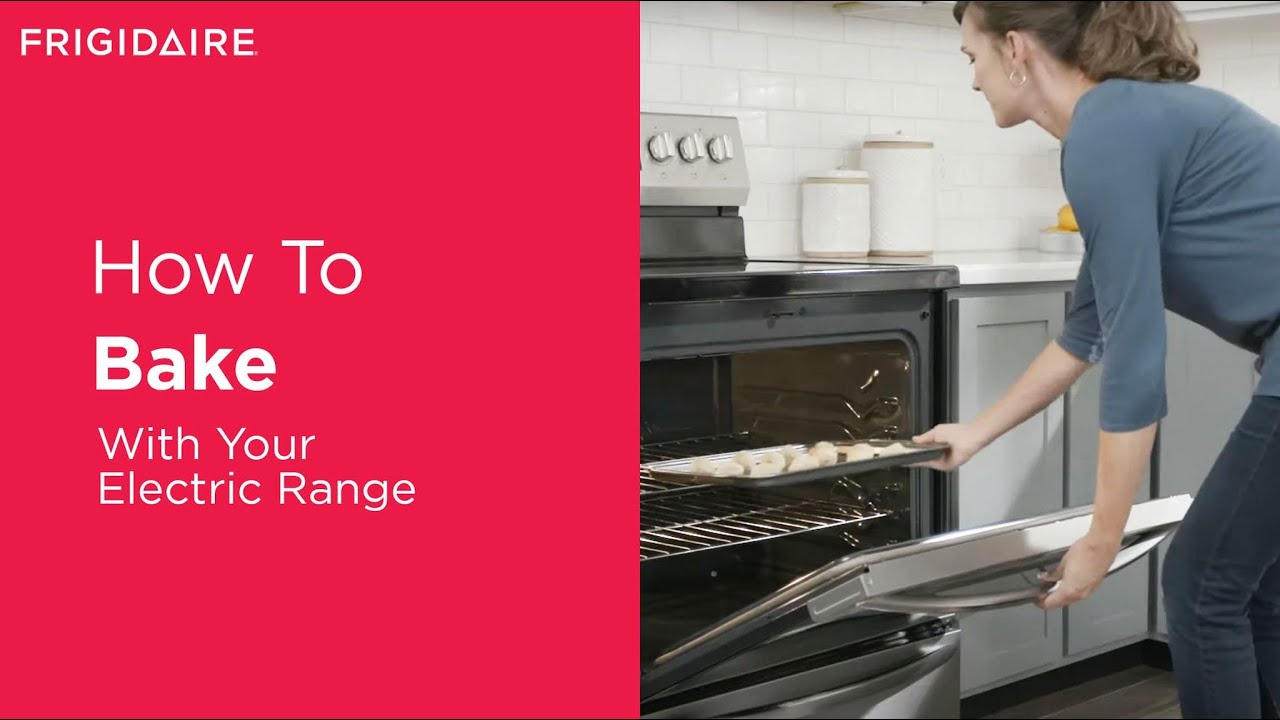
Baking
Baking is used for bread, cakes, casseroles, and many savory dishes.
How to bake:
- Place the rack in the center or as recommended.
- Press Bake (or turn the mode knob to Bake).
- Enter desired temperature using the number pad or arrows.
- Press Start (on digital models) or wait for the oven to preheat.
- Wait for the “preheat” beep or light.
- Place food inside, close the door, and set a timer.
Tip: For even results, avoid opening the oven door too often. Heat loss can affect baking.
Broiling
Broiling uses intense heat from the top, ideal for melting cheese or browning meats.
Steps to broil:
- Move the rack to the highest position.
- Press Broil or turn the knob to Broil.
- Select High or Low (if available).
- Preheat for 2–5 minutes.
- Place food on a broiler pan or tray.
- Cook with the oven door slightly open for airflow (check your manual; some models require the door closed).
Important: Broiling is fast. Never leave food unattended, as burning can happen quickly.
Convection Cooking
Many Frigidaire ovens have a Convection option, which uses a fan to circulate air.
Benefits of convection:
- Cooks food more evenly.
- Reduces cooking time by 25%.
- Great for roasting meats and baking cookies.
How to use convection:
- Select Convection Bake or Convection Roast.
- Set temperature (often 25°F lower than recipe suggests).
- Place food inside, use the timer.
Non-obvious insight: Not all pans are good for convection—use low-sided or rimless trays for best airflow.
Using Timers And Delayed Start
The timer helps you track cooking time, while delay start lets you schedule cooking in advance.
How to set a timer:
- Press Timer On/Off.
- Enter the desired time.
- Press Start.
- The oven will beep when time is up.
How to use delay start:
- Select cooking mode and temperature.
- Press Delay Start.
- Enter time you want cooking to begin.
- Press Start.
Warning: Only use delay start with non-perishable foods (never with raw meats or dairy left at room temperature).
Self-cleaning Feature
Many Frigidaire ovens have a self-cleaning cycle that heats the oven to very high temperatures, burning off residue.
Steps:
- Remove racks, pans, and foil.
- Close the oven door and lock it (if required).
- Press Self Clean. Choose cycle length (2–4 hours).
- Press Start.
The door remains locked until cool. Afterward, wipe out ash with a damp cloth.
Non-obvious insight: Self-cleaning can produce strong odors and smoke. Ventilate your kitchen, and avoid if you have respiratory issues.
Common Buttons, Symbols, And What They Mean
Understanding the control panel symbols is crucial for proper operation. Here’s a quick reference.
| Symbol/Button | Meaning | When to Use |
|---|---|---|
| Bake | Standard baking mode | Breads, cakes, casseroles |
| Broil | Top heating only | Steaks, fish, toasting |
| Conv. Bake | Fan-forced baking | Cookies, pastries, large meats |
| Timer | Set countdown timer | Reminders, timed cooking |
| Self Clean | High-temp cleaning cycle | Oven cleaning (no food inside) |
| Start/Cancel | Begin or cancel function | All cooking modes |
| Lock | Child lock/safety | Cleaning, safety |
Some models have extra modes like Air Fry, Pizza, or Proof (for bread dough). Always check your manual for a full list.
Preheating: Why And How To Do It Right
Preheating is the process of bringing the oven to the set temperature before placing food inside. It’s important for even cooking, especially in baking.
Steps:
- Select your cooking mode (Bake, Convection, etc. ).
- Set the temperature.
- Wait for the preheat signal—a beep, light, or display message.
- Only then, put your food in.
Tip: Skip preheating only for slow-roasted meats or casseroles where a gentle start is helpful.
Non-obvious insight: If your oven takes much longer than 15 minutes to preheat, check for issues like a failing heating element or poor door seal.
Oven Racks And Their Placement
Rack position affects how your food cooks. Most Frigidaire ovens have 5 rack slots.
- Top position: Broiling, fast browning
- Middle position: Even baking, most recipes
- Lower position: Roasting large items (turkey, big roasts)
Always use the rack position recommended by your recipe. For even baking on multiple racks, rotate trays halfway through the cooking time.
Rack Placement Table
Here’s a handy guide to common foods and best rack positions:
| Food | Best Rack Position | Cooking Mode |
|---|---|---|
| Cookies | Middle | Bake/Conv. Bake |
| Pizza | Lower-middle | Bake |
| Roast chicken | Lower | Conv. Roast |
| Bread | Middle | Bake |
| Steak (broil) | Top | Broil |
Using Special Features
Many newer Frigidaire ovens come with advanced features. Here’s how to use them:
Air Fry
Some models have an Air Fry setting for healthier frying.
- Place food on the Air Fry tray or a perforated pan.
- Select Air Fry mode.
- Set temperature and timer.
- Cook, shaking or flipping food halfway.
Note: Air Fry uses strong convection, so don’t overcrowd the tray.
Proof
The Proof feature creates a warm, humid environment for rising dough.
- Select Proof mode.
- Place covered dough inside.
- Wait until dough doubles in size.
Great For Bakers!
Sabbath Mode
For those who observe the Sabbath, this mode disables lights, tones, and auto shut-off.
- Activate Sabbath mode as described in your manual.
- Oven maintains temperature without user interaction.
Oven Light
Press the Oven Light button to see your food without opening the door. This helps maintain even temperature.
Cleaning And Maintenance
Keeping your oven clean extends its life and improves cooking results.
Routine Cleaning
- Wipe spills immediately after oven cools.
- Use a damp cloth and mild detergent.
- Avoid abrasive pads that can scratch surfaces.
Cleaning Racks And Accessories
- Remove racks and soak in warm, soapy water.
- Scrub with a non-abrasive pad.
- Dry completely before returning to oven.
Deep Cleaning And Self-clean Cycle
As described earlier, use the Self Clean cycle for heavy buildup. Always ventilate well.
Cleaning The Door And Controls
- Use a soft, damp cloth.
- Never spray cleaner directly on the control panel.
- For glass, use a vinegar solution for streak-free shine.
Non-obvious insight: Avoid using foil to line the oven bottom. This can block heat, damage sensors, and void your warranty.
Troubleshooting Common Problems
Even reliable ovens have issues. Here’s how to fix the most common ones:
Oven Not Heating
- Check if the power cord is plugged in.
- Make sure the circuit breaker isn’t tripped.
- For gas ovens, check the pilot light or igniter.
- If still not working, contact Frigidaire support.
Uneven Cooking
- Rotate pans halfway through cooking.
- Use the right rack position.
- Check for blocked vents or dirty fan (for convection ovens).
Oven Door Won’t Open
- During or after self-cleaning, the door remains locked until the oven cools below a safe temperature.
- If still stuck, unplug the oven for 5 minutes to reset.
Error Codes On Display
- Look up the error code in your manual.
- Common codes: F1 (electrical problem), F3 (temperature sensor issue), F9 (door lock problem).
- Power cycle the oven to reset. If errors persist, call for service.
Unusual Smells Or Smoke
- First use may smell due to burn-in.
- For persistent smoke, check for spilled food or grease.
- Clean thoroughly before next use.
Energy-saving Tips For Frigidaire Ovens
Ovens use a lot of energy, but you can reduce waste:
- Don’t preheat longer than needed. Start baking as soon as preheat is complete.
- Cook multiple dishes at once if recipes allow.
- Keep the door closed—every open drops temperature by up to 25°F.
- Use convection for faster, more even results.
- Turn off early. Food continues cooking from residual heat.
Non-obvious insight: The oven light uses little energy, but leaving it on can remind you not to open the door unnecessarily.
Credit: www.youtube.com
Comparing Frigidaire Oven Models
Choosing the right oven model affects your cooking experience. Here’s a side-by-side comparison of popular types:
| Model Type | Main Features | Best For | Approx. Price (USD) |
|---|---|---|---|
| Basic Electric | Bake, Broil, Timer | Simple needs | 500–800 |
| Convection Electric | + Convection, Self Clean | Everyday cooks | 800–1,200 |
| Gas Oven | Bake, Broil, Quick Preheat | Gas hookups, fast cooks | 700–1,300 |
| Air Fry Model | + Air Fry, Convection | Health-conscious, variety | 1,000–1,500 |
| Smart Oven | Wi-Fi, App Controls | Tech lovers | 1,400–2,000 |
Refer to the official Frigidaire website for up-to-date model specs and reviews.
Safety Tips When Operating Your Frigidaire Oven
Cooking is safer when you follow these rules:
- Always supervise children near the oven.
- Use oven mitts—metal racks and pans get extremely hot.
- Never use water to put out a grease fire.
- Keep the area around the oven clear of flammable materials.
- Don’t force the oven door open during or just after self-cleaning—it remains locked for safety.
- Regularly check for gas leaks (if gas oven) or electrical issues (for electric).
Non-obvious insight: Store-bought oven thermometers can help ensure your oven is heating accurately. Temperature sensors can drift over time.
Frequently Asked Questions
How Do I Set The Temperature On My Frigidaire Oven?
Most digital models require you to press Bake, enter the temperature with the number pad, and press Start. For knob models, simply turn the temperature knob to your desired setting. Always check your display for confirmation that the oven is preheating.
What Should I Do If My Oven Display Is Blank?
Check if the oven is plugged in and the circuit breaker is on. Some ovens have a display lock or sleep mode—try holding Start or Clock for 3–5 seconds to wake it. If still blank, contact Frigidaire support, as it could be a control board issue.
Can I Use Aluminum Foil Inside My Frigidaire Oven?
You can use foil on pans or to cover food, but never line the oven bottom or walls with foil. This can block heat, cause uneven cooking, and damage the oven. Always follow the user manual’s recommendations about foil.
Why Does My Oven Smoke When Using The Broil Function?
Broiling at high heat can cause leftover grease or food particles to smoke. Clean the oven regularly, and use a broiler pan to catch drips. If smoke is excessive, stop broiling and check for spills.
How Often Should I Run The Self-clean Cycle?
For average home use, running the self-clean cycle every 3–6 months is enough. If you bake or roast frequently, you may clean more often. Avoid overusing self-clean, as the extreme heat can wear out oven parts over time.
Making The Most Of Your Frigidaire Oven
Operating your Frigidaire oven can be easy and rewarding once you know the controls and features. From basic baking to advanced air frying, each function is designed to help you create delicious meals safely. Remember to read your user manual for model-specific tips, keep the oven clean, and don’t hesitate to try new modes and recipes.
With practice, your oven will become one of your most reliable kitchen tools.
If you ever need more details or troubleshooting help, the official Frigidaire website has guides and resources. Enjoy your cooking journey—with a little practice, you’ll be operating your oven like a pro.
Credit: www.manualslib.com