
Turning on a Frigidaire oven might seem simple, but doing it the right way makes a big difference. Whether you’re a first-time user, moving into a new home, or just want to avoid common mistakes, learning each step carefully can save time and improve your cooking results.
Some ovens use dials, others have touchpads, and there are models with special features like air fry or convection. This guide explains how to turn on a Frigidaire oven, step by step, for every type. You’ll also find tips that most manuals miss, troubleshooting advice, and answers to the questions people ask most.
Let’s make sure your next meal starts without problems.
Understanding Your Frigidaire Oven Model
Before you power up your oven, it’s important to know which Frigidaire oven you have. The brand makes different types: gas, electric, wall-mounted, freestanding, and smart ovens. The controls, safety features, and startup process can change a little depending on the model.
Where To Find Your Model Number
Look for a sticker or metal tag on your oven. Common places include:
- The frame behind the oven door
- On the oven’s side or inside the bottom drawer
- On the back panel (for wall ovens)
Knowing your model number helps you find the right manual and understand which buttons or dials to use.
Main Types Of Frigidaire Ovens
- Freestanding Electric Ovens – These have a built-in cooktop and an oven underneath.
- Built-in Wall Ovens – Installed inside your kitchen cabinets.
- Gas Ovens – Use gas for heating, often with electronic ignition.
- Slide-in Ranges – Look like freestanding but fit flush with countertops.
- Smart Ovens – Connect to Wi-Fi and have touch controls or app compatibility.
It’s helpful to check your oven’s manual online if you’re not sure about the controls. You can find digital manuals by searching your model number on Frigidaire’s official website.
Safety Precautions Before Turning On
Never skip safety checks before using an oven. Frigidaire ovens are built with safety in mind, but a few small steps can prevent hazards.
Basic Safety Steps
- Check for Gas Leaks (for gas ovens): If you smell gas, do NOT turn on the oven. Open windows, leave the house, and call your gas company immediately.
- Inspect Power Supply: Make sure the oven is plugged in properly or hardwired by a qualified electrician.
- Remove Flammable Items: Take out paper, plastic, or towels from the oven and nearby surfaces.
- Clean the Oven Cavity: Old grease or food spills can smoke or catch fire.
- Check for Child Lock: Some Frigidaire ovens have a lock feature. If the oven won’t start, the child lock may be on.
Special Note For First Use
If your oven is brand new, the manufacturer recommends a “burn-in. ” This means running the oven empty at high heat for 30-60 minutes to burn off factory residues. Open a window to let out any smells.
Step-by-step: How To Turn On A Frigidaire Oven
Turning on a Frigidaire oven can involve different steps depending on your model, but most follow a similar pattern. Here’s a detailed breakdown for each type.
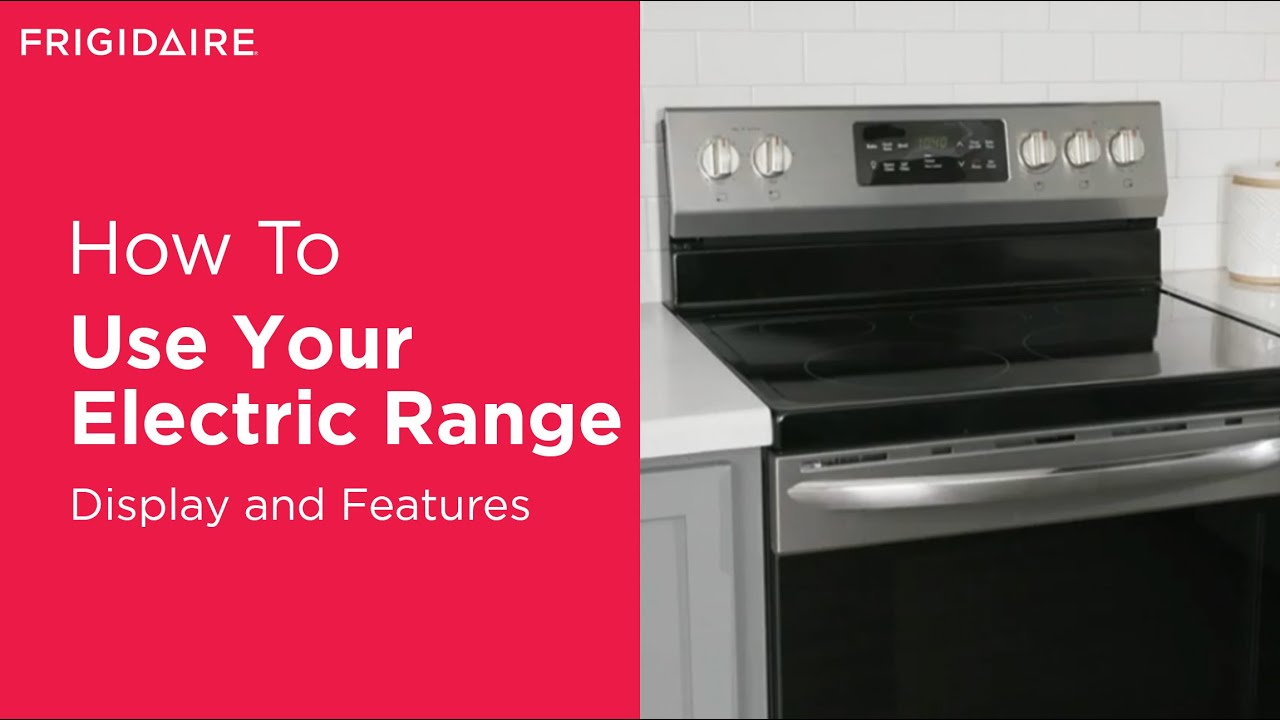
For Electric Ovens With Touchpad Controls
1. Wake Up The Display
Press any button to light up the control panel. Sometimes, you need to press “Bake” or “Start” to activate the screen.
2. Select Cooking Mode
Press “Bake,” “Broil,” “Convection,” or another function button. For example, if you want to bake cookies, press “Bake. ”
3. Set The Temperature
Use the “Up” and “Down” arrows or the number pad to enter the temperature (e. g. , 350°F). Most ovens default to Fahrenheit.
4. Press Start
After setting the temperature, press “Start. ” The oven will begin preheating. Some models beep or flash a light when they’re ready.
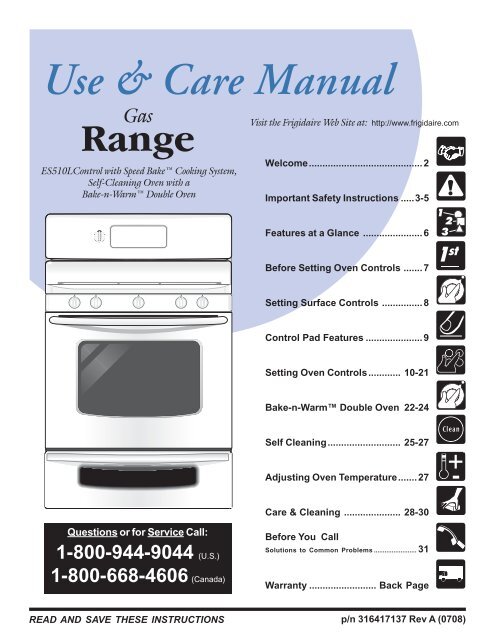
For Gas Ovens
1. Wake Up The Controls
If your oven has a touchpad, press “Bake” or “Broil” to activate it.
2. Select Bake Or Broil
Turn the selector knob or press the button for the desired function.
3. Set The Temperature
Use the dial or arrow buttons to pick your temperature.
4. Ignition
Most modern Frigidaire gas ovens use electronic ignition. You’ll hear a clicking sound, and the oven should light automatically. If it doesn’t, turn everything off and wait a few minutes before trying again.
5. Press Start
Confirm your settings with “Start. ” Wait for the preheat signal before placing food inside.
For Ovens With Knob Controls Only
1. Turn The Function Selector
Rotate the knob to “Bake,” “Broil,” or another setting.
2. Set The Temperature
Turn the temperature knob to your desired setting.
3. Wait For Preheating
Older models may have a preheat light that turns off when ready.
For Smart Ovens
1. Wake Up The Display
Tap the screen or press any button.
2. Choose Cooking Function
Select From Options Like “bake,” “air Fry,” Or “pizza.”
3. Set Temperature And Time
Use the touchscreen or connected app.
4. Press Start
The oven will preheat and notify you by beep or app alert.
Practical Example
Suppose you want to bake a cake at 350°F in a Frigidaire Gallery electric oven:
- Press “Bake.”
- Use arrows to set 350°F.
- Press “Start.”
- Wait for the preheat beep (usually 10-15 minutes).
- Place your cake inside.
Preheating: Why And When It Matters
Preheating is a crucial but often overlooked step. It ensures your food cooks evenly from the start. Skipping preheating can result in soggy pizza crusts or undercooked cakes.
How To Know Preheating Is Done
Most Frigidaire ovens will beep, display “Preheat Complete,” or turn off a preheat indicator light. For ovens without a digital display, you can use an oven thermometer to check.
Common Mistakes
- Opening the Door Too Soon: This drops the temperature by 25°F or more.
- Guessing the Temperature: Always wait for the signal, not just a few minutes.
Average Preheat Times
Here’s a comparison of preheat times for different Frigidaire ovens:
| Oven Type | Average Preheat Time (to 350°F) | Signal Method |
|---|---|---|
| Electric (Standard) | 12-15 minutes | Beep + Display |
| Gas (Standard) | 8-12 minutes | Beep or Light |
| Convection | 6-10 minutes | Beep + Display |
| Older Models | 15-20 minutes | Indicator Light |
Credit: www.youtube.com
Key Features That Affect Startup
Frigidaire ovens include several features that can change the way you turn them on or set them up.
Child Lock
Some models have a lock to prevent accidental starts. You may see “Loc” or a padlock symbol. To unlock, usually, you hold “Clear/Off” or “Cancel” for 3 seconds.
Sabbath Mode
This mode keeps the oven on for long periods without automatic shut-off, used in some religious households. If your oven won’t turn off or responds slowly, check if Sabbath mode is active.
Delay Start
You can set your oven to turn on at a later time. Press “Delay Start,” set your time and temperature, then press “Start. ” The oven will wait and then heat up at your chosen time.
Convection And Special Modes
If you choose “Convection Bake,” the oven fan will turn on for even cooking. Air Fry mode works similarly but at higher speeds.
Troubleshooting: If Your Frigidaire Oven Won’t Turn On
If your oven doesn’t start, try these steps before calling for service.
1. Check Power Supply
Make sure the oven is plugged in and the circuit breaker isn’t tripped.
2. Child Lock
If the control panel is unresponsive, try unlocking it.
3. Clock Not Set
Some models won’t start if the clock is not set. Enter the time and try again.
4. Door Not Fully Closed
The oven won’t turn on if the door isn’t shut properly.
5. Error Codes
Watch for codes like “F10” or “F90” on the display. Look these up in your manual.
6. Gas Supply (for Gas Ovens)
Make sure the gas valve is open.
7. Delayed Start
If your oven says “Delayed,” you may have set a timer by mistake.
If these steps don’t help, contact Frigidaire support or a certified technician.
Comparing Frigidaire Oven Controls
Different models use different control types. Here’s a quick look at how they compare:
| Control Type | Ease of Use | Common Models | Special Features |
|---|---|---|---|
| Touchpad | Very Easy | Gallery, Professional | Timers, Child Lock, Delayed Start |
| Knob + Button | Easy | Classic, Basic | Simple operation |
| Smart Touchscreen | Easy (with learning) | Smart series | Remote control, App features |
| Knob Only | Simple | Older models | Manual preheat |
Cleaning And Maintenance Before First Use
Many oven problems come from poor cleaning or missed setup steps. Before your first use, do the following:
- Wipe the Inside: Use a damp cloth to remove dust or packaging residue.
- Remove Racks and Accessories: Wash them in hot, soapy water.
- Burn-in Cycle: Run the oven empty at the highest temperature for 30-60 minutes. This removes factory oils and smells.
- Check Ventilation: Make sure nothing blocks the vents.
Doing this prevents smoke or odd smells the first time you cook.
Setting The Clock And Timer
Some Frigidaire ovens won’t start if the clock is not set. Follow these steps:
- Press “Clock” on the control panel.
- Use the number pad or arrows to enter the time.
- Press “Start” or “Set” to confirm.
To use the timer, press “Timer,” enter the time, and press “Start. ” The timer is separate from the oven’s cooking time.
Using Special Cooking Modes
Modern Frigidaire ovens offer more than just “Bake” and “Broil.” Here’s how to use some common modes:
Convection Bake
- Press “Convection Bake.”
- Set your temperature (usually 25°F lower than regular bake).
- Press “Start.”
- Place food in the oven after the preheat beep.
Convection fans help food cook evenly. Good for roasting meat and baking cookies.
Air Fry
- Press “Air Fry.”
- Set temperature and time.
- Use the special Air Fry tray if you have one.
Air Fry mode circulates hot air quickly, making crispy foods with less oil.
Broil
- Press “Broil.”
- Choose “High” or “Low.”
- Place food on the top rack.
- Keep the door slightly open to allow steam to escape.
Broiling gives a crisp top to foods like steaks or casseroles.
Keep Warm
- Press “Keep Warm.”
- Set the desired temperature.
- Press “Start.”
This keeps food at serving temperature without overcooking.

Credit: www.reddit.com
Common Mistakes To Avoid
Even experienced users can make errors that affect cooking. Here are things to watch out for:
- Skipping Preheating: This leads to uneven baking or raw spots.
- Wrong Rack Position: Place racks in the center for most foods. Use higher racks for broiling.
- Not Using a Thermometer: Oven temperatures can be off by 10-20°F. Use an oven thermometer for accuracy.
- Leaving Oven Unattended: Always check food a few minutes before the end of the timer.
- Setting Delay Start Accidentally: Double-check you pressed “Start,” not “Delay Start.”
- Forgetting the Clock: Remember, some ovens won’t turn on if the clock isn’t set.
Practical Tips For Better Results
Here are some real-world tips that go beyond the manual:
- Use Aluminum Foil Carefully: Never cover oven vents or heating elements with foil. This causes uneven heating and can damage the oven.
- Check Door Seal: A worn gasket lets heat escape, making preheating take longer and baking uneven.
- Don’t Overload the Oven: Too many pans block airflow.
- Let the Oven Cool Before Cleaning: Sudden temperature changes can crack the glass.
- Know Your Oven’s Hot Spots: Place a few slices of bread on a baking sheet and bake. The darkest pieces show where your oven runs hot.
Energy-saving Tips
Frigidaire ovens are built to be efficient, but you can save more energy by:
- Baking several dishes at once.
- Turning off the oven a few minutes before food is done. The heat will finish cooking.
- Using the right size bakeware for your food.
- Keeping the oven door closed during cooking.
According to the U. S. Department of Energy, opening the oven door during baking can lower the inside temperature by up to 25°F, causing the oven to use more energy.
Quick Reference: Turning On Frigidaire Oven (by Model)
If you forget the steps, here’s a summary for quick recall:
| Model Type | Main Steps | Special Note |
|---|---|---|
| Electric Touchpad | Bake → Temp → Start | Wait for preheat beep |
| Gas Oven | Bake → Temp → Start | Listen for ignition click |
| Knob Only | Mode → Temp | Manual preheat |
| Smart Oven | Function → Temp → Start | Use app for remote start |
Credit: www.yumpu.com
When To Call For Professional Help
If the oven still won’t turn on after trying all troubleshooting steps, it may be time to call a professional. Look for these signs:
- Error codes that won’t clear
- No power at all (even after checking the breaker)
- Gas smell or loud noises
- Display won’t light up
Certified technicians can diagnose control board issues, faulty igniters, or wiring problems. Always use an authorized service provider for repairs to keep your warranty valid.
Where To Find More Help
If you need more detailed instructions for your exact Frigidaire oven, visit the official Frigidaire support page. There you can download manuals, find troubleshooting videos, and contact customer service.
Frequently Asked Questions
How Do I Unlock My Frigidaire Oven If It Won’t Turn On?
Hold the “Clear/Off” or “Cancel” button for 3–6 seconds. If you see “Loc” or a padlock icon, this means the control lock is active. If your oven still won’t unlock, unplug it for one minute, then plug it back in.
Why Does My Frigidaire Oven Say “preheating” But Never Finish?
This usually means the oven door is not closed tightly, the temperature sensor is faulty, or the heating element is broken. Check for any gaps in the door and listen for the heating element to turn on. If the problem continues, call a technician.
Can I Turn On My Frigidaire Oven Remotely?
Some smart Frigidaire ovens let you start preheating from a mobile app. You must connect the oven to Wi-Fi and use the Frigidaire app. Check your model’s manual for compatibility.
What Do I Do If My Oven Smells Bad The First Time I Turn It On?
This is normal for new ovens. The smell comes from factory oils burning off. Run the oven at the highest temperature for 30–60 minutes with a window open. If the smell lasts after several uses, check for forgotten packing material.
Is It Safe To Use Aluminum Foil In My Frigidaire Oven?
You can use foil on baking trays but never cover oven floors, racks, or vents. This blocks airflow and can damage heating elements. Always follow your manual’s instructions for safe use.
Turning on your Frigidaire oven is simple once you understand your model and follow the correct steps. Taking the time to check safety, clean before first use, and use the right settings will help you get better results and avoid common problems.
With these tips, you’ll be ready to cook confidently for years to come.