
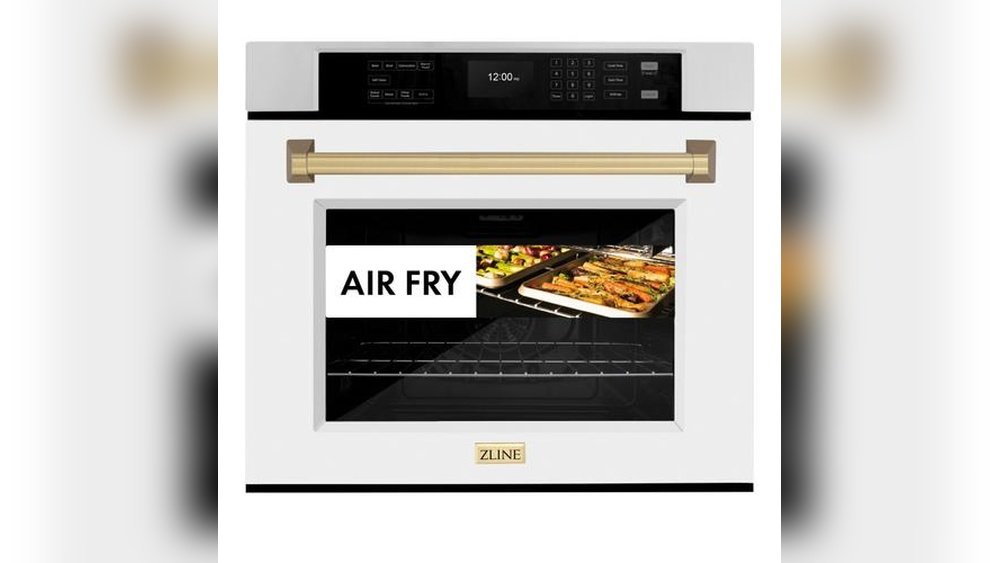
Keeping an oven clean can be a big challenge, especially if you cook often or enjoy baking. Grease, food spills, and burnt residues can build up over time, making your oven less efficient and even affecting the taste of your food. Luckily, many modern ovens come with a self-clean feature, which makes cleaning much easier. If you own an IFB oven, you might have noticed this function on your control panel but aren’t sure how to use it properly. Don’t worry—using the self-clean feature can be safe, simple, and highly effective if you follow the right steps.
In this comprehensive guide, you’ll learn exactly how to use self clean on IFB oven. You’ll discover what the self-clean function does, how to prepare your oven, the correct steps for different types of IFB ovens, and important safety tips. We’ll also cover post-cleaning care, common mistakes, and troubleshooting tips, so you feel confident every time you use self-clean. Whether you’re new to IFB ovens or want to make sure you’re doing things right, this article covers every detail you need to know.
Understanding Self-clean Function In Ifb Ovens
Before you start, it’s important to know what the self-clean feature actually does. The self-clean mode in IFB ovens is designed to burn off food residues and grease inside the oven cavity at very high temperatures, usually between 850°F (450°C) and 900°F (480°C). During this cycle, the oven locks its door for safety, and all the debris is turned into ash, which you can wipe away easily after the cycle ends.
Not all IFB ovens use the same self-clean technology. Some models use pyrolytic cleaning, which works by superheating the oven. Others may use steam cleaning (sometimes called hydrolytic cleaning), which uses the power of hot steam to soften grime and make it easier to wipe away.
Benefits Of Using Self-clean
- Saves time and effort: No more scrubbing with harsh chemicals.
- Removes tough stains: Burns off even the hardest, baked-on food.
- Improves oven performance: A clean oven heats more evenly.
- Reduces odors: Gets rid of lingering smells from old spills.
Important Safety Note
The self-clean function generates extremely high heat, so it’s important to follow the right procedures for safety. You should never try to open the door during a self-clean cycle, and always ventilate your kitchen well.
Preparing Your Ifb Oven For Self-clean
Getting your oven ready is just as important as running the self-clean cycle. Proper preparation helps the function work better and prevents damage to your appliance.
Step 1: Check Your Oven Manual
Start by reading your IFB oven’s user manual. There may be model-specific instructions or warnings. If you lost your manual, you can usually find a digital copy on the IFB official website.
Step 2: Remove All Accessories
Before starting self-clean, take out all racks, trays, pans, and thermometers. Leaving metal accessories inside can cause discoloration, warping, or permanent damage. Even IFB’s stainless-steel racks are not designed to withstand the extreme heat of pyrolytic cleaning.
Step 3: Wipe Away Loose Debris
Use a damp cloth or paper towel to remove any large food particles or puddles. This helps prevent smoke and odors during self-clean and ensures the cycle works efficiently.
Step 4: Check The Oven Door Seal
Inspect the oven door gasket (the rubber or silicone seal around the door). If it’s cracked or damaged, do not use self-clean. Heat can escape, causing safety hazards and reducing cleaning effectiveness.
Step 5: Ventilate Your Kitchen
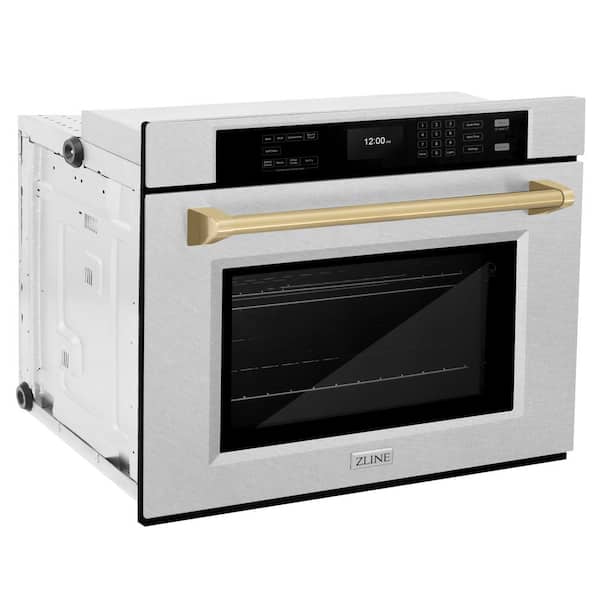
Open a window or turn on your range hood to allow fumes and heat to escape. Some smoke is normal during self-clean, especially if there are heavy spills or grease inside.
Credit: www.homedepot.com
How To Use Self Clean On Ifb Oven: Step-by-step Guide
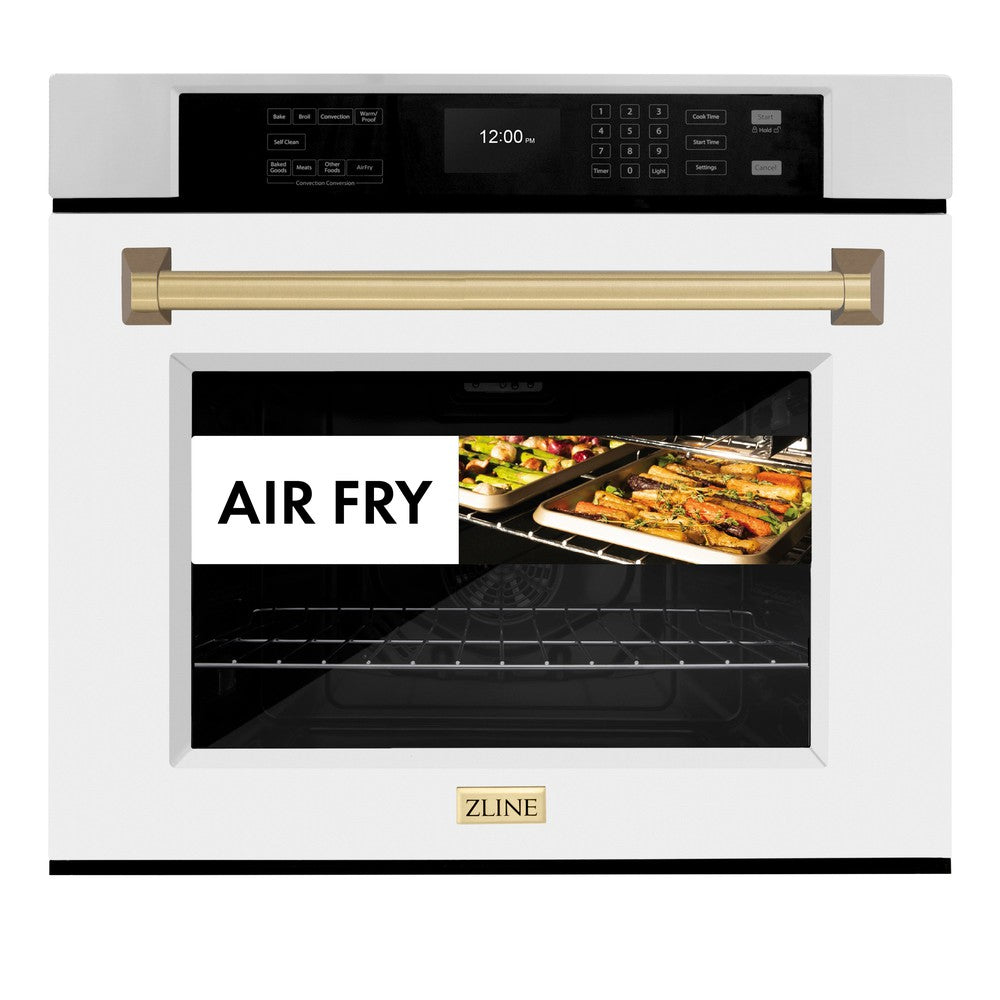
Using the self-clean feature on your IFB oven is simple if you follow these steps. The process may vary slightly depending on your model and whether it uses pyrolytic or steam cleaning.
Step 1: Ensure Safe Conditions
- Children and pets should stay away from the oven during self-clean.
- Make sure your kitchen is well-ventilated.
- If you have a smoke alarm nearby, consider temporarily moving it or watching it closely to avoid false alarms.
Step 2: Set The Self-clean Mode
For most IFB ovens, the self-clean option is accessible from the control panel. Here’s how you typically activate it:
- Press the Menu or Function button to navigate to “Self Clean” or “Pyrolytic Clean.”
- Use the temperature dial or arrow keys to select the cleaning duration. Most ovens offer cycles from 1.5 hours (for light cleaning) to 3 hours (for heavy soiling).
- Once set, press Start or OK. The oven door will automatically lock for safety.
Tip: Some models require you to press and hold the start button for 3 seconds to activate self-clean.
Step 3: Let The Cycle Run
- The oven will begin heating to very high temperatures.
- The display will show the remaining time.
- Do not open the door or interrupt the cycle.
Step 4: Wait For Cool Down
After the self-clean cycle ends, the oven will stay locked until it cools to a safe temperature. This can take 30–90 minutes, depending on the model.
Step 5: Wipe Away Ash
Once the oven unlocks and cools, open the door and use a soft, damp cloth to wipe away the white ash left behind. This is all that remains of the burnt food and grease.
Step 6: Replace Accessories
Reinsert the racks, trays, and any other accessories you removed earlier. Your oven is now ready for use.
How To Use Steam Clean (hydrolytic Cleaning) On Ifb Oven
Some newer IFB ovens offer a steam clean option. This is a gentler, quicker method suitable for light stains and regular maintenance.
Steps For Steam Clean
- Remove all racks and accessories.
- Pour about 400 ml (1.5 cups) of water into the bottom of the oven or into the provided steam clean tray.
- Select the “Steam Clean” or “Hydro Clean” function from your control panel.
- Run the cycle (usually 30 minutes).
- Once done, let the oven cool slightly and wipe away loosened grime with a cloth.
Steam clean is best for light, fresh spills. For heavy, baked-on stains, use the pyrolytic self-clean function.
Credit: zlinekitchen.com
Typical Self-clean Durations And What They Mean
Different cleaning cycles are available on most IFB ovens. Here’s a comparison to help you choose the best one for your needs:
| Cycle Name | Duration | Best For | Heat Level |
|---|---|---|---|
| Light Clean | 1.5 hours | Minor stains, regular upkeep | Moderate |
| Medium Clean | 2 hours | Average soiling | High |
| Heavy Clean | 3 hours | Heavy, baked-on stains | Very High |
Choose the shortest cycle that matches your oven’s condition to save time and energy.
Post-cleaning Care And Maintenance
After using self-clean, your oven will look and smell fresh, but a little extra care will keep it in top shape.
Wipe Down After Every Use
A quick wipe with a damp cloth after each use stops new spills from becoming stubborn stains.
Clean Accessories Separately
IFB recommends washing racks, trays, and pans by hand with warm soapy water. Never put these back in during self-clean.
Inspect Door Seal Regularly
The oven door gasket is essential for proper heating and cleaning. If you see cracks, replace it promptly.
Avoid Abrasive Cleaners
After self-clean, avoid using steel wool or harsh chemical sprays inside the oven. A soft cloth is enough.
Leave The Door Open To Air Out
After cleaning, keep the oven door slightly open for an hour. This helps remove any lingering heat or smell.
Common Mistakes To Avoid When Using Self Clean
Many users make simple errors that can damage their oven or reduce cleaning effectiveness. Here are the biggest mistakes and how to avoid them:
- Leaving racks inside: They can discolor, warp, or get stuck.
- Not ventilating the kitchen: Fumes can build up quickly, especially with heavy grease.
- Starting self-clean with lots of loose debris: This can create smoke and fire hazards.
- Using self-clean with a broken door seal: Heat can escape and damage your oven or cabinets.
- Interrupting the cycle: Stopping self-clean early can leave residues and might lock the door.
- Using self-clean too often: Limit to 3–6 times per year unless your oven manual says otherwise.
- Trying to clean the oven door glass during self-clean: The glass can crack if exposed to sudden temperature changes.
Troubleshooting: Issues When Using Self Clean
Even when you follow all the steps, you might run into problems. Here’s how to handle the most common issues:
Smoke Or Burning Smell
Some smoke is normal, but too much means there’s too much debris inside. Next time, remove as much food residue as possible before starting.
Oven Door Won’t Unlock
The door stays locked until the oven cools down fully. If it doesn’t unlock after 90 minutes, unplug the oven, wait 10 minutes, and plug it back in. If it still won’t open, contact IFB customer support.
Self-clean Cycle Won’t Start
Check that all oven controls are off, and the door is fully closed. Some models require a firm push to lock the door.
Display Shows Error Code
Refer to your oven manual for the meaning of the error code. Most codes are related to overheating, door issues, or electrical faults. Don’t try to repair electrical parts yourself.
Glass Door Has White Haze
This is usually leftover ash or mineral deposits. Clean the cooled glass with a mixture of vinegar and water on a soft cloth.

Credit: zlinekitchen.com
Comparing Ifb Self-clean With Manual Cleaning
Let’s look at how the self-clean feature compares with traditional cleaning methods:
| Feature | Self Clean | Manual Cleaning |
|---|---|---|
| Effort | Minimal (just wipe after) | High (scrubbing required) |
| Time | 1.5–3 hours (hands-off) | 30–60 minutes (active) |
| Effectiveness | Excellent for heavy stains | Depends on effort/cleaner |
| Safety | High if used correctly | Exposure to chemicals |
| Frequency | 3–6 times/year | As needed (often monthly) |
| Cost | Higher energy use per cycle | Cost of cleaning products |
Non-obvious Insights For Ifb Oven Owners
While most guides tell you the basics, here are two things many beginners miss:
- Pre-cleaning improves results: Even though self-clean is powerful, wiping out loose crumbs and sticky spills before starting leads to a cleaner oven and less smoke.
- Wait before wiping ash: If you try to wipe out the ash while the oven is still warm, it can smear and make cleaning harder. Always let it cool fully for best results.
Energy Use: Is Self-clean Worth It?
The self-clean cycle uses a lot of energy because of the high heat. An average 2-hour self-clean cycle can use between 2.8 to 4.0 kWh of electricity, which is about the same as running a clothes dryer for an hour. If you’re worried about your electricity bill, use self-clean only when needed and wipe up spills quickly after each cooking session.
Safety Precautions Specific To Ifb Ovens
- Don’t use oven cleaners or liners: Chemical sprays or foil can damage the interior during high heat.
- Supervise the oven: Stay nearby in case smoke builds up or the oven signals an error.
- Don’t block vents: Make sure nothing is resting against the oven vents during or after cleaning.
Cleaning The Oven Door And Glass
The oven door glass can develop stains over time. After running self-clean, you can use a soft, damp sponge with a little vinegar to remove any cloudiness. For tougher marks, a baking soda paste (mix baking soda with a bit of water) can help, but always avoid abrasive pads.
When To Call For Professional Help
If you notice strange noises, persistent error codes, or repeated failure to self-clean, it’s time to contact IFB’s official service team. Do not try to repair the oven yourself, as this can void your warranty and create safety risks.
For more about oven care and troubleshooting, you can visit the official IFB Appliances website.
Maintenance Schedule For Ifb Ovens
To keep your oven working well, follow this schedule:
- Wipe after every use: Prevent stains and buildup.
- Deep clean accessories monthly: Racks and trays need regular washing.
- Use self-clean 3–6 times per year: More often if you bake or roast often.
- Check door seal every 6 months: Replace if damaged.
- Book professional service yearly: A technician can check heating elements and electronics.
Environmental Considerations
While self-cleaning is convenient, it does use a lot of electricity and can release fumes. If you want a more eco-friendly approach, use the steam clean function for light stains, and only use pyrolytic cleaning for heavy messes.
Frequently Asked Questions
What Should I Do If My Ifb Oven Smokes A Lot During Self-clean?
Excessive smoke usually means there is a lot of grease or food residue inside. Next time, wipe out large spills before starting self-clean. Open windows or use your kitchen fan during the process. If the smoke is black or smells like burning plastic, turn off the oven immediately and check for foreign objects.
Can I Clean The Oven Racks Using Self-clean?
No, you should always remove racks, trays, and pans before starting self-clean. The high heat can discolor or warp metal accessories. Clean them by hand using warm, soapy water for best results.
Is It Safe To Use Self-clean If My Oven Door Seal Is Cracked?
Do not use self-clean if the door seal is damaged. The extreme heat can escape, leading to poor cleaning, possible burns, and damage to your kitchen cabinets. Replace the gasket before using self-clean again.
How Often Should I Use The Self-clean Function On My Ifb Oven?
Most experts recommend 3–6 times per year, or whenever you notice heavy buildup. Using self-clean too often can wear out your oven’s electronics and seals more quickly.
What Do I Do If The Oven Door Stays Locked After Self-clean?
Wait for the oven to cool completely, which can take up to 90 minutes. If it stays locked, unplug the oven for 10 minutes and plug it back in. If the door still won’t open, contact IFB customer support for help.
Using the self-clean feature on your IFB oven can save you time, energy, and effort, keeping your appliance in top condition. By following the right steps, preparing properly, and caring for your oven afterward, you’ll enjoy better cooking and a cleaner kitchen with much less work.
Remember to use self-clean wisely, avoid common mistakes, and always prioritize safety for the best results every time.